
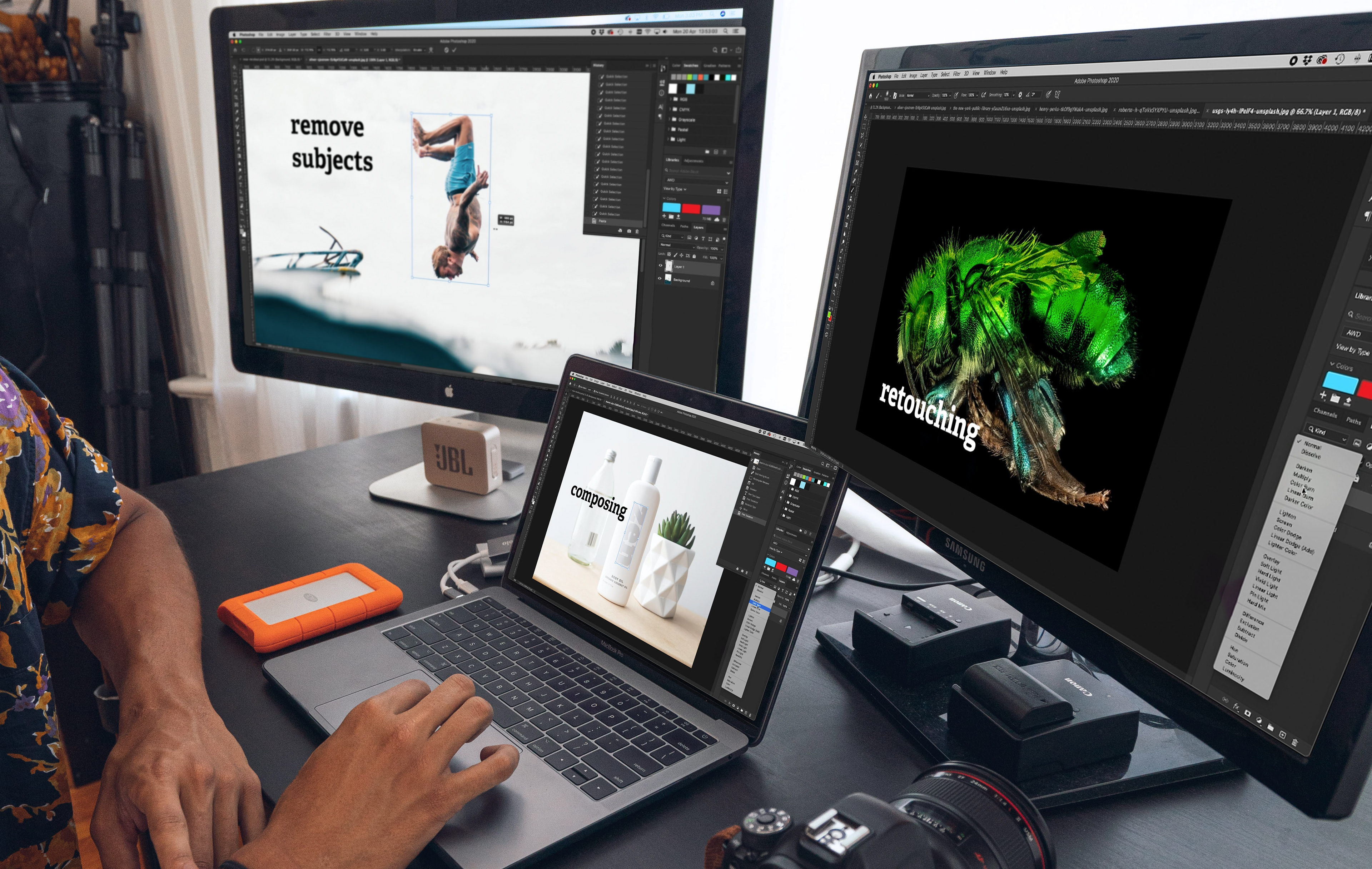
NextGen Designer is your gateway to mastering the creative tools shaping today’s digital world.
Beyond anything learnt at school, this LIVE course, run by an experienced designer and trainer, will teach students all the core skills of Adobe Photoshop. With a chance to interact, ask questions and be guided through the process by a fun, relaxed and patient trainer, you will not believe how much your skills will level up.
Learn
• The basic principles of creating digital images
• How to use Photoshop like a professional
• Core Photoshop tools like layers, brushing and re-touching
• Removing subjects out of backgrounds with precision
• The best images for digital and print publishing and how to create them
• How to use Photoshop like a professional
• Core Photoshop tools like layers, brushing and re-touching
• Removing subjects out of backgrounds with precision
• The best images for digital and print publishing and how to create them

Designed for student - live
Made for schools, parents, and young learners. The entire course is facilitated by a professional graphic designer... live and interactive.
Our programs combine structured teaching with hands-on projects to make learning both practical and engaging.
Gain confidence
Use industry-standard tools like Adobe Photoshop while also exploring modern AI image generation techniques. From creating standout social media content to designing visuals for gaming and other creative projects, learners develop skills that are relevant, future-focused, and aligned with today’s digital landscape.
Live guided lessons
Classes use real-world applications with a strong focus on creativity, NextGen Designer helps students turn their ideas into polished, professional work—preparing them for further study and emerging career pathways in design and digital media.

Become a master
Blending Images
Blending images in Adobe Photoshop is a creative technique that allows students to combine multiple photos into a single, seamless composition.
Mastering these basics for students to produce more visually engaging designs, collages, and digital artwork.
Transforming
Transforming in Adobe Photoshop allows students to resize, rotate, flip, or distort images and objects within a project. This helps students control layout and perspective, making their designs more balanced and visually appealing.
Recolouring
Recolouring in Adobe Photoshop lets students change or enhance colours in an image without affecting its details. This helps students improve creativity while learning how colour impacts the overall look and feel of a design.
Duplicating
Duplicating in Adobe Photoshop allows students to create exact copies of layers, objects, or selections for editing without affecting the original. This technique helps students work more efficiently while exploring creative variations in their projects.

Thank you!